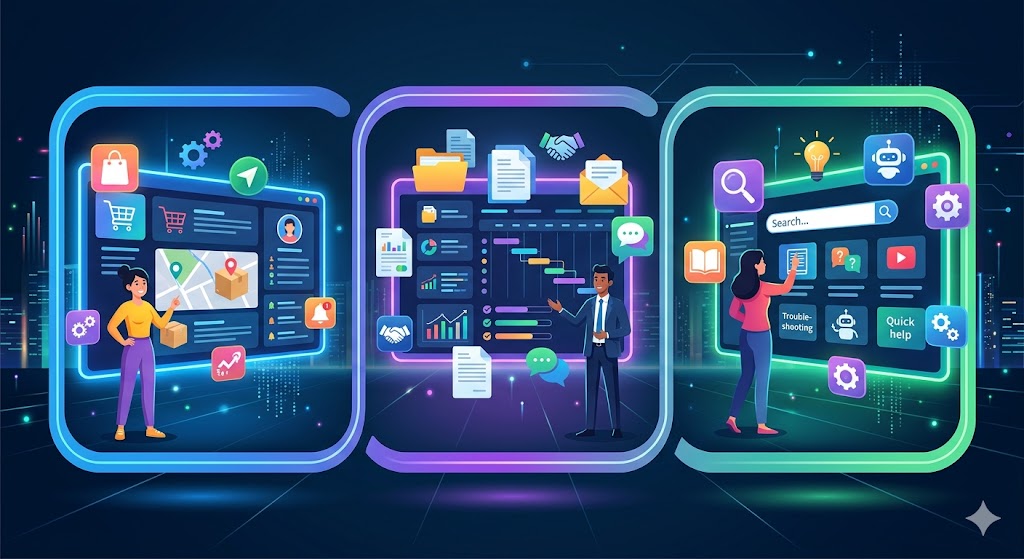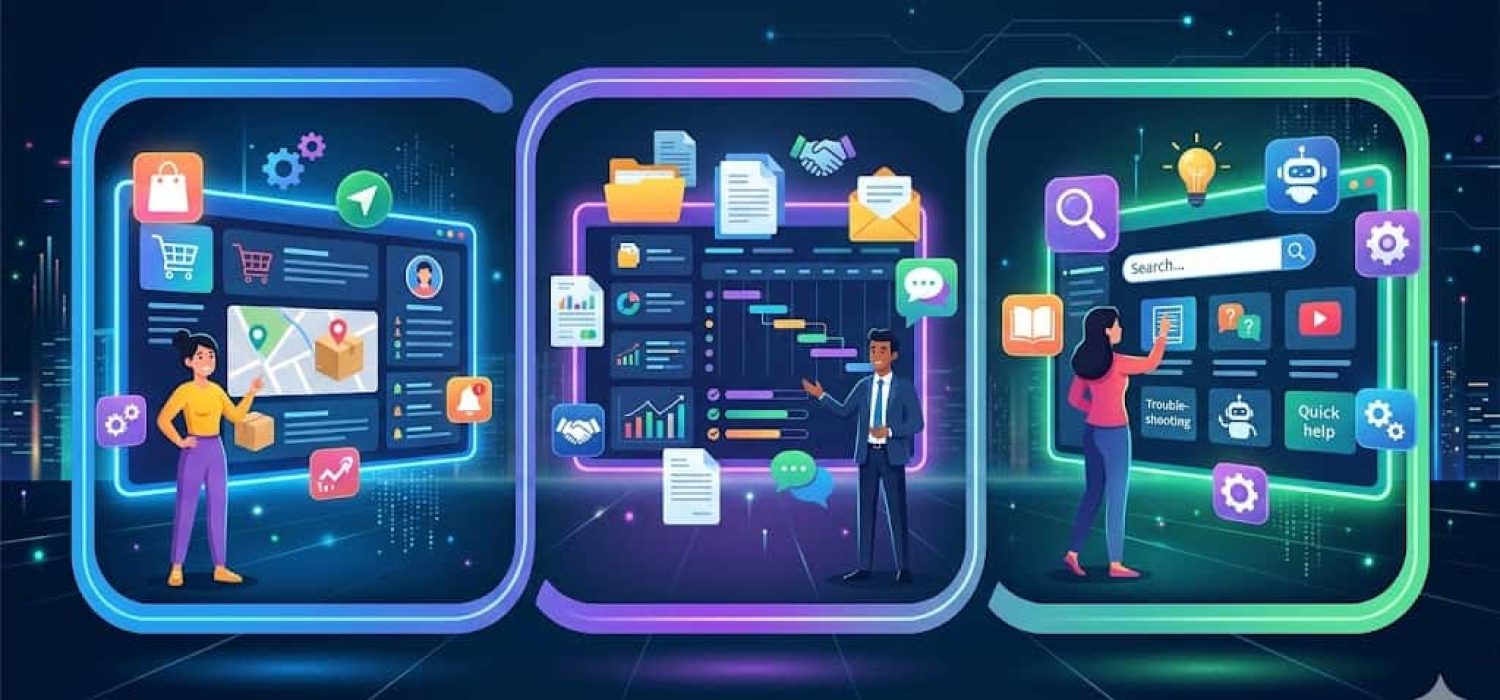
If you also use customer portal, client portal, and self-service portal interchangeably in your Salesforce ecosystem, then you are not alone; many do that. It is because, to some extent, the technology overlaps among all of them; however, the difference lies in how they manage relationships.
Each one of these portals caters to a different audience, a different interaction model, and a different configuration logic. And if you make the mistake of choosing the wrong one, you will end up spending on good technology, but for a use case that doesn’t align with your business.
While it is more common than one might think, distinguishing among the three is important, especially if you are going to invest in it.
What Is a Customer Portal?
A customer portal is a digital ecosystem where existing customers can interact with your business without having to pick up their phone and make a call. However, it is not a generic FAQ page, but a secure login-based system. Only existing customers with secure access can get the information.
It allows customers to access their open cases, purchase history, account details, and more. Their dashboard is personalized with reliable information sourced from the actual CRM records. The core use cases include:
- Submitting and tracking support cases
- Accessing knowledge base articles
- Viewing order history, invoices, and account information
- Managing subscriptions or service agreements
- Downloading product documentation
In Salesforce, a customer portal is typically built on Experience Cloud (previously Community Cloud, and before that, the legacy Salesforce customer portal product that was retired for new organizations in 2013). The Salesforce customer portal is oriented around service: case submission, knowledge article surfacing, live chat, and account self-management.
The primary goal of the customer portal is to support deflection combined with account transparency. Customers get answers faster, and your support team spends less time on routine requests.
What Is a Client Portal?
A client portal looks similar to the customer portal on the surface. But it’s built for a different relationship: business clients, not end consumers, and the interaction model is collaborative rather than self-service. It is commonly used in consulting, legal, and financial services.
It differs from the customer portal in its relationship. A client portal presupposes long-term engagement, in which the client actively participates in the work, rather than receiving a product or service (as in a customer portal). Some of the common use cases include:
- Sharing contracts and deliverables for review/approval
- Tracking project milestones
- Exchanging feedback on work in progress
- Onboarding new clients with structured checklists
- Providing access to dedicated account contacts
In Salesforce, a client portal still runs on Experience Cloud. The design emphasis just shifts. You prioritize document sharing, approval workflows, task tracking, and communication threads — not case management and knowledge base access.
Unlike the customer portal, this one streamlines collaboration by creating a secure, centralized, accessible system for your clients. It simplifies everything from onboarding to long-term project partnership for your staff and external parties.
What Is a Self-Service Portal?
The self-service portal is the broadest category of the three. Any online environment where users resolve their own needs without direct staff involvement qualifies. The name here describes the portal’s function rather than who it is for. So you understand that it allows users to help themselves, but who are those users? You will not know.
Customer portals and client portals are both types of self-service portals. But the category also includes:
- Public-facing knowledge bases
- Community forums
- FAQ pages with search
- Password reset and account recovery tools
- Automated onboarding flows
In Salesforce-specific conversations, “self-service portal” often refers to the legacy Salesforce Self-Service Portal product, which was a limited, public-facing knowledge base with basic case submission. Salesforce replaced it with the fuller Experience Cloud platform years ago.
So, when people say “self-service portal” in the context of Salesforce today, they typically mean an Experience Cloud site configured for self-service interactions. The underlying platform is the same. What differs is the scope and access model.
Side-by-Side: The Three Portal Types
| Parameter | Customer Portal | Client Portal | Self-Service Portal |
|---|---|---|---|
| Audience | Existing customers | Business clients | Any user |
| Access | Authenticated, personalized | Authenticated, collaborative | Public or authenticated |
| Primary Use | Support, account management | Document sharing, project work | Self-resolution, information access |
| Relationship Type | B2C or transactional B2B | High-touch, ongoing B2B | Varies |
| Salesforce Equivalent | Experience Cloud (service-focused) | Experience Cloud (collaboration-focused) | Experience Cloud or public community |
Why the Confusion Exists
These terms overlap because the underlying technology doesn’t care what you call it. Experience Cloud is one platform. You configure it as a customer portal or a client portal depending on what you build, what data you expose, and who gets access.
That flexibility is useful. But it makes the terminology muddier. The confusion is compounded by vendor language. Some CRM vendors call everything a “portal” while others call it a “hub,” a “workspace,” or a “community.” None of it maps cleanly.
The most practical way to cut through it: start with two questions.
Who are the users – Existing customers buying products, business clients in ongoing engagements, partners, or employees? And, what do they need to do – Self-resolve support issues, collaborate on deliverables, find information, or approve documents?
Those two questions will tell you what type of portal you’re actually building — regardless of what anyone decides to call it.
Choosing the Right Model for Your Salesforce Implementation
Build a customer portal when your post-sale relationship is primarily support-driven, and your customers generate a high volume of routine inquiries. It will help you reduce the ticket load without affecting quality, and your customers will get high-level visibility into account data without any security concerns.
Build a client portal when you have a project-based or retainer-based service model and your clients need access to deliverables, approvals, and timelines. If you have multiple account managers who need a shared client workspace and your onboarding involves extensive documentation and structured steps, then too, the client portal is your answer.
Add a self-service layer when you have high public traffic landing on support-related queries and want to reduce friction, not just for existing customers but also for prospects. This way, you can also build or grow an existing user community that helps one another by sharing meaningful information.
When a Third-Party Portal Layer Makes Sense
Salesforce Experience Cloud is capable, but it’s also expensive at scale, complex to configure for non-standard requirements, and limited in how much of the CRM data model it exposes without custom development.
Organizations that outgrow basic Experience Cloud configurations often look at third-party portal platforms that sit on top of Salesforce. These platforms handle the portal layer like the user experience, role-based access, and data display, while keeping Salesforce as the system of record underneath.
Platforms like CRMJetty’s Salesforce Customer Portal let organizations configure the same portal infrastructure across customer, client, or self-service patterns. The CRM data stays secure in the Salesforce ecosystem, while the layer just displays the data based on the user’s role. The layer can be tailored to specific use-case segments, eliminating the need to rebuild it from scratch.
When you are managing multiple portals for different audiences, and all of them are pulling data from the same Salesforce environment, handling them becomes a hassle. In such cases, it is better to invest in one portal that can manage all the variables rather than using four different platforms at once.
The Answer
So are customer portal, client portal, and self-service portal different from each other? Yes, but not in the underlying technology, instead in the use case, audience, and design intent.
A customer portal serves your buyers after the sale. A client portal serves business partners in an ongoing working relationship. A self-service portal is a pattern both can follow.
If you’re building on Salesforce, all three are achievable with Experience Cloud, with or without a third-party portal layer on top. The platform question is secondary. The primary question is always: who are you building for, and what do they need to accomplish? Get that right, and the rest of the questions get answered automatically.